One of the more intriguing ways to speed up local AI is speculative decoding. People with plenty of VRAM report excellent results, sometimes generating tokens several times faster than usual.
Things get trickier on 8GB. Some users say speculative decoding slows their models down, while others report gains of 25%, 30%, or more.
In fact, these reports don’t always conflict. The outcome depends on the model’s memory needs, the drafting method, and whether the extra work pays off.
Why Token Generation Is Slow
A language model produces text one token at a time. For every new token it has to fetch the model’s weights and the current context again to run another decoding step.
For many local setups, especially when generating one answer at a time, memory bandwidth is the main constraint. Most of the time the GPU is moving data rather than doing calculations.
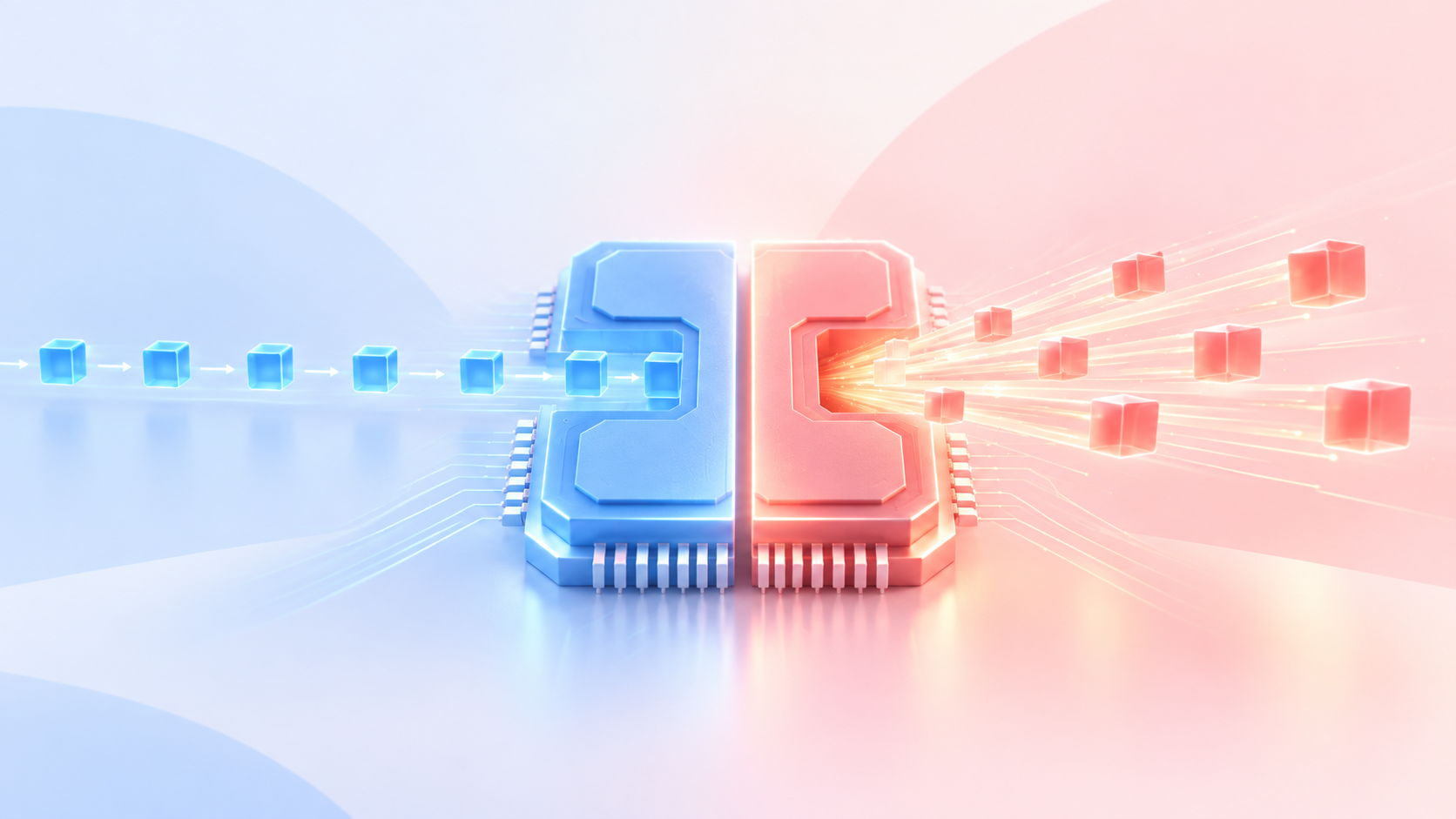
Speculative decoding attacks that bottleneck. Instead of asking the main model to generate every token on its own, a smaller drafting component predicts several tokens ahead. The main model then checks those predictions together and accepts the ones that pass verification.
If enough predictions are accepted, the model produces more tokens without paying the full cost of a separate decoding step for each one.
The key point is that the main model still verifies the output. When implemented correctly, speculative decoding preserves the target model’s output distribution, so it changes speed, not accuracy.
Changing quantization or KV cache precision to make everything fit is a separate trade-off, and that one can affect quality.
Four Ways to Draft Tokens
There are several ways to do speculative decoding, and on smaller GPUs the choice matters a lot.
The classic approach uses a separate, smaller language model to predict tokens. It works well when a fast enough draft model exists. The catch is that you are loading a second model, which adds compute and memory overhead.
Multi-Token Prediction (MTP) takes a different route. It uses prediction heads or layers trained to work with the main model. Some models, such as certain Qwen versions, ship these weights inside the main GGUF. Others, like Gemma 4, use a separate assistant model.
MTP appeals to low-memory GPUs because it can be fairly light. But it only works if the target model supports it.
DFlash uses a lightweight drafter that predicts a whole block of tokens in parallel using block diffusion. Rather than producing each draft token in sequence, it fills many positions at once. Drafting can be much faster, but you still need a compatible drafter and more memory.
N-gram drafting needs no extra neural network. It looks for repeating token patterns in the current context and suggests likely continuations. It can be very useful when editing code or repeating text that already exists. For unfamiliar or unpredictable content, it gives far less.
llama.cpp supports several of these approaches, and some can be combined. That doesn’t mean stacking more methods always gives better results.
The 8GB Memory Squeeze
Memory is the biggest constraint. If your model already nearly fills 8GB, adding a drafter can push part of it into system RAM, and generation gets slower instead of faster.
A llama.cpp discussion from July 2026 shows this clearly. The author tested Gemma 4 12B on an RTX 5060 laptop GPU with 8GB of VRAM. Their first measurement showed MTP about 5% slower. After tuning, generation rose by about 46%, from 27.4 to 40 tokens per second.
To get there, they built a custom quantization that shrank the model from 7.1GB to 6.18GB, leaving room for the MTP drafter. They also requantized the draft head to Q6_K and found that drafting two tokens ahead beat drafting three or four.
The tuning mattered. Once the main model no longer fit fully on the GPU, plain full-GPU decoding beat every MTP configuration. The author called the usual slowdown a configuration problem, not a limit of speculative decoding itself. Memory management matters just as much as the technique.
Why MoE Models Break the Rules
Mixture-of-experts (MoE) models activate only a portion of their parameters for each token. That lets the expert weights stay in system RAM while the rest runs on the GPU, so speculative decoding can still help even when the model doesn’t fit in VRAM.
A Reddit user tested Qwen3.5-35B-A3B on an RTX 2080 SUPER with 8GB of VRAM. The Q5_K_M model file is about 24 GiB, far too big for the card. By combining CPU expert offloading with a roughly 268 MiB DFlash drafter, they raised generation from about 26.8 to about 35.6 tokens per second, around 33% faster. It took careful tuning of how many experts stay on the CPU, using the DFlash support in llama.cpp pull request #22105.
So speculative decoding can still pay off for models much larger than your VRAM, as long as you are willing to tune the memory split.
When Drafting Backfires
Speculative decoding doesn’t always pay off. More randomness in the output, such as sampling at a higher temperature, means the main model rejects more draft tokens, so fewer are accepted per step and the gains shrink.
Setup details can also quietly cancel the benefit. On a GTX 1080 with 8GB of VRAM, one user running Gemma 4 26B-A4B with MTP saw only about a 5% gain at first. The cause was that llama.cpp kept the drafter’s token embedding table on the CPU. After moving it to the GPU, generation rose from about 20 to about 24.5 tokens per second.
Faster output isn’t always better output, so check that your results look right after changing any speculative settings.
What Bigger GPUs Gain
More VRAM leaves room for larger drafters, and the gains can be big. One RTX 3090 user running Qwen3.8-27B with a DFlash 2 drafter reported generation rising from 33.16 to 59.03 tokens per second at 128K context, about 78% faster.
On an RTX PRO 6000 Blackwell, a Reddit benchmark found that DFlash 2 with an n-gram drafter on top reached 4.68x on the build phase of an 18-turn coding session, from 65.1 to 304.9 tokens per second. The same n-gram setting added only about 1% on LiveCodeBench and cost about 30% on prose. The author’s earlier test with DFlash 1 peaked at 6.01x.
More VRAM helps, but the workload matters just as much. Big speedups on repetitive coding tasks don’t always carry over to everyday chat.
Is It Worth Using on 8GB?
These reports suggest it’s worth trying, but the result depends on your setup. MTP looks promising for smaller models that already fit in VRAM. DFlash can use CPU expert offloading to handle larger MoE models. N-gram drafting is another option, especially for repetitive coding tasks, though it can hurt on prose.
The best way to find out is to compare generation speed with and without speculative decoding, using the same model and settings. Never give up GPU layers just to fit a drafter. Drafting more tokens doesn’t always give better results, and longer generations give a clearer picture of sustained speed.