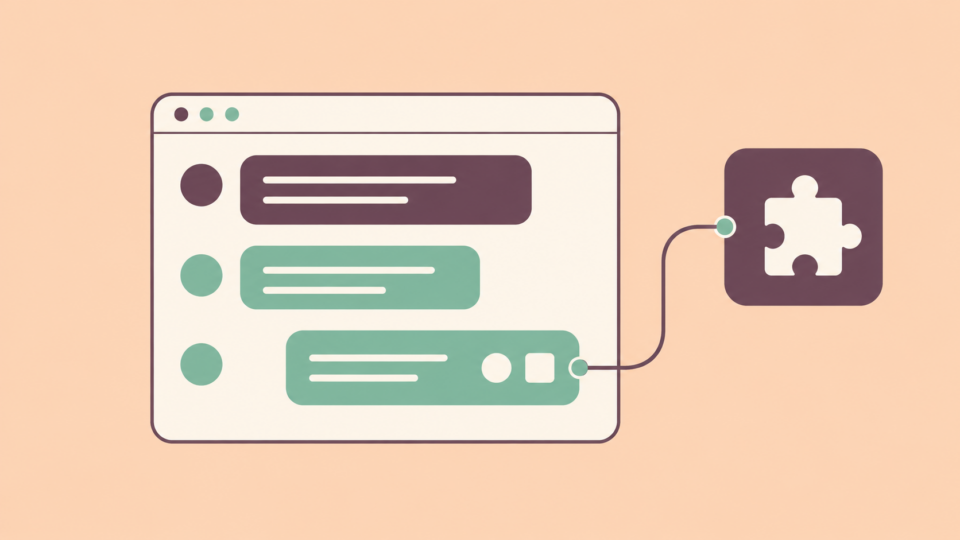
The new Ollama Fly.io connector lets AI agents running inside Fly.io Sprites use Ollama Cloud without storing the provider’s API key in their environment. Ollama announced the integration on October 13, with support for cloud models including Kimi K3, GLM-5.3, and DeepSeek V4.1 Flash.
A Sprite is a hosted Linux virtual machine where an agent can run commands and work with files. Its disk persists between sessions, so installed tools and project files can remain available for later work.
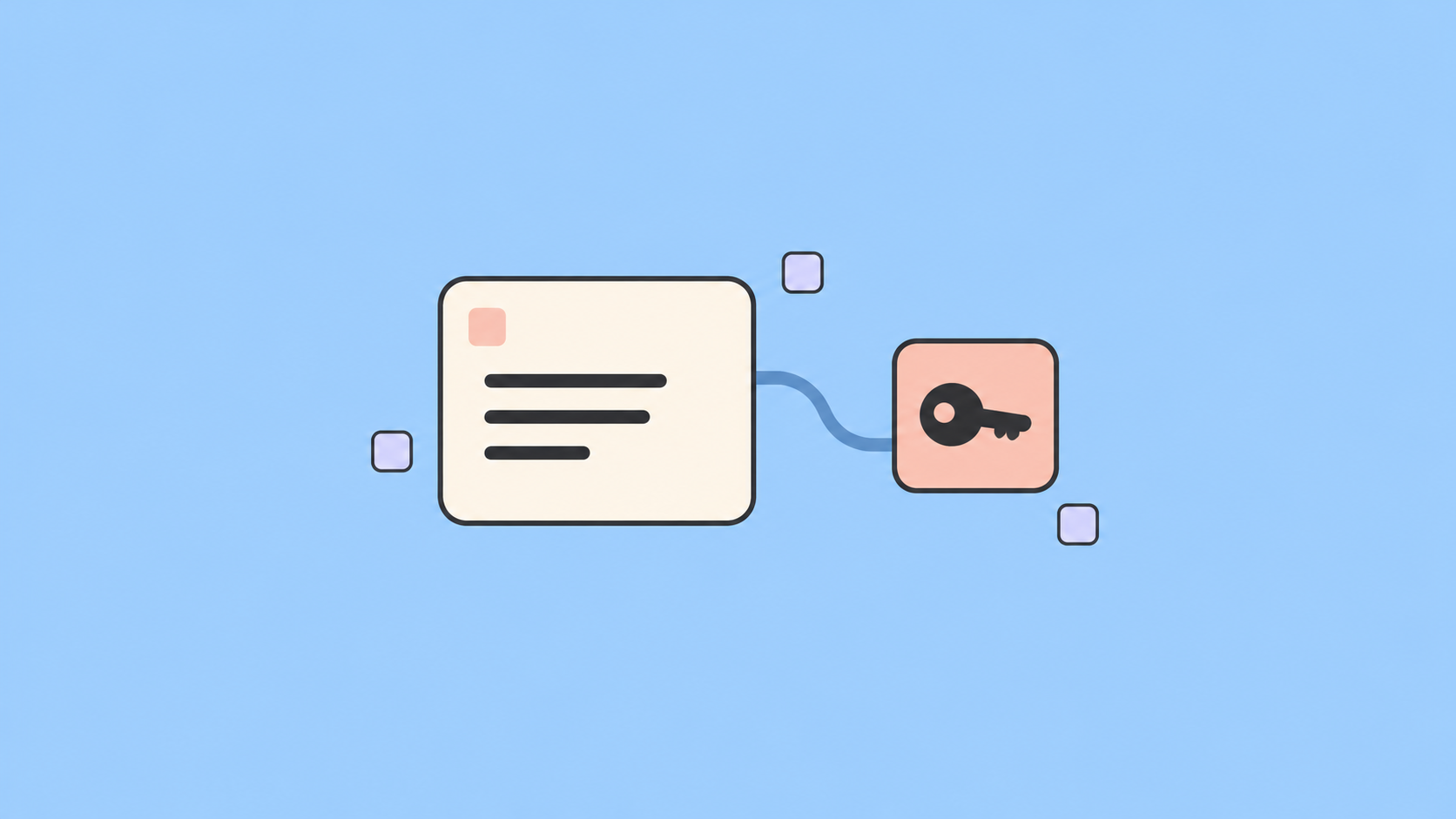
The connector adds model access to that environment while keeping the raw credential on Fly.io’s side.
How the Connector Handles Your Key
According to Fly.io’s connector overview, users configure a connection at the organization level and choose which Sprites can use it.
When an authorized Sprite makes a request, a gateway identifies the calling environment, attaches the stored credential, and forwards the request to the provider. The API response then comes back through the gateway.
The agent gets a connection endpoint rather than the underlying key. That reduces the risk of generated code accidentally printing the credential, writing it into a file, or sending it elsewhere.
Access is denied by default. Users can allow particular Sprites through labels or name prefixes, or explicitly grant access to all of them. Fly.io also describes controls for allowing or blocking request paths.
Keeping a key hidden does not prevent every unwanted action. An authorized agent can still use the access it has been granted, so connection permissions remain relevant.
Works With Existing Agent Tools
Ollama’s announcement says Sprites include a skill that tells supported agents, including Claude Code, Cursor, Codex, and Gemini CLI, how to use the integration.
Developers can also call the gateway through an OpenAI-compatible client. Ollama’s native API routes work through it too, making the connector useful for scripts as well as interactive agents.
The announcement includes a testing example where one model generates malformed program inputs, the Sprite runs them, and another model examines crashes. Switching models uses the request’s model field.
Cloud Access, With Explicit Permissions
Fly.io’s setup page makes the deployment boundary clear: this connects to Ollama Cloud, rather than an Ollama server running on your laptop.
Setup requires an Ollama API key and a Sprite. In the Fly.io dashboard, users add the Ollama connection, save the key, and grant the intended environments access. The connector page supplies a request example for testing from inside an authorized Sprite.
Availability can vary by organization during rollout. Users should check their dashboard for the Ollama Cloud connector and follow its access settings before connecting an agent.