An open-source project called REA (Reverse Engineer Anything) aims to simplify reverse engineering process by connecting AI coding agents to reverse-engineering tools. Developers can ask an agent to inspect an application, investigate its features, and use the findings to recreate specific functionality.
How REA Works
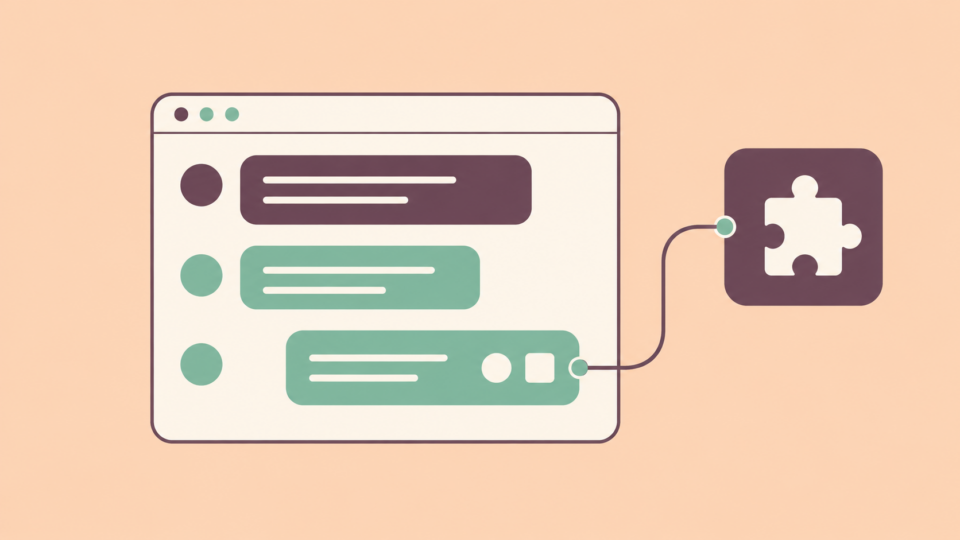
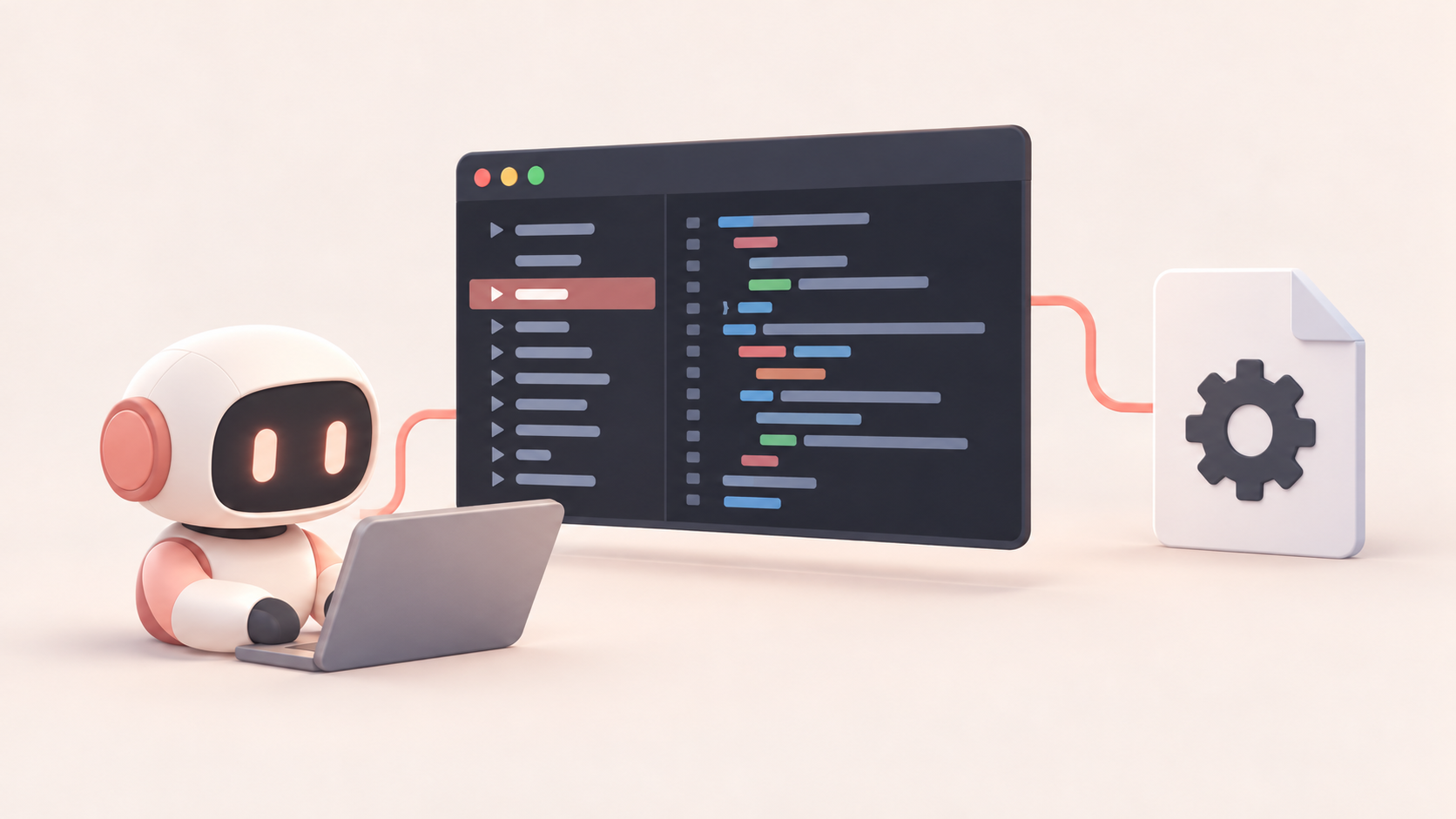
REA connects AI coding agents to reverse-engineering software through the Model Context Protocol (MCP). It supports tools including Ghidra, Hopper, and IDA, allowing agents to inspect compiled programs, examine decompiled code, search for functions, and trace how different components interact.
For example, an agent could investigate how an application’s search feature works by locating relevant functions and following their connections. It could then use those findings to write a similar implementation.
REA handles access to the analysis tools, while the coding agent interprets the results and writes the code.
What Can It Analyze?
REA supports native binaries, JavaScript and Electron applications, .NET assemblies, Android APKs, and websites. It can examine application structure, imports, function calls, and certain runtime behaviors.
The developers have also published a Notion case study showing how REA traced the desktop application’s clipboard functionality through Electron processes and internal communication channels.
Unlike ordinary code analysis, REA doesn’t need the original source files. However, decompiled code may be incomplete or inaccurate, especially when applications use obfuscation or other protections.
Does It Run Locally?
REA performs software analysis on the user’s machine, but that doesn’t necessarily make the entire workflow private.
The project doesn’t include its own AI model. If developers connect it to a cloud-based coding agent, information collected during analysis may still be sent to that model’s provider.
Using a local model with a compatible agent could keep more of the workflow on-device, although the setup depends on the agent and tools involved.
Installation and Limitations
REA is available under the MIT license and can be configured using Node.js with the following command:
npx rea-agents setupIt supports coding agents including Claude Code, Codex, Cursor, and Gemini CLI. More advanced native analysis requires additional software such as Ghidra, Hopper, or IDA.
Platform support also varies. macOS and Linux support several analysis workflows, while some Windows capabilities remain experimental.
REA cannot guarantee an accurate reconstruction of an application. Decompiled functions can lose important details, and AI agents can misinterpret the results. Recreating software also raises legal and licensing considerations depending on how the recovered information is used.
Final Thoughts
REA brings reverse-engineering tools into AI-assisted development. Rather than manually examining every function, developers can ask an agent to investigate specific features and work from the code it recovers.
It won’t recreate entire applications with a single prompt, but it could make understanding unfamiliar software considerably easier, particularly when the original source code isn’t available.