Open WebUI Channel Apps arrived in version 0.12.1 on October 14, giving external services a place inside shared conversations. Add an app to a channel, mention it, and it can reply with a message, a card or buttons.
The official announcement gives website status checks and lookups in other systems as possible uses. Apps run on their own servers, so what they actually do depends on the service someone builds and connects.
The feature is experimental and switched off by default. It also needs some setup, rather than simply appearing after an upgrade.
Apps become channel members
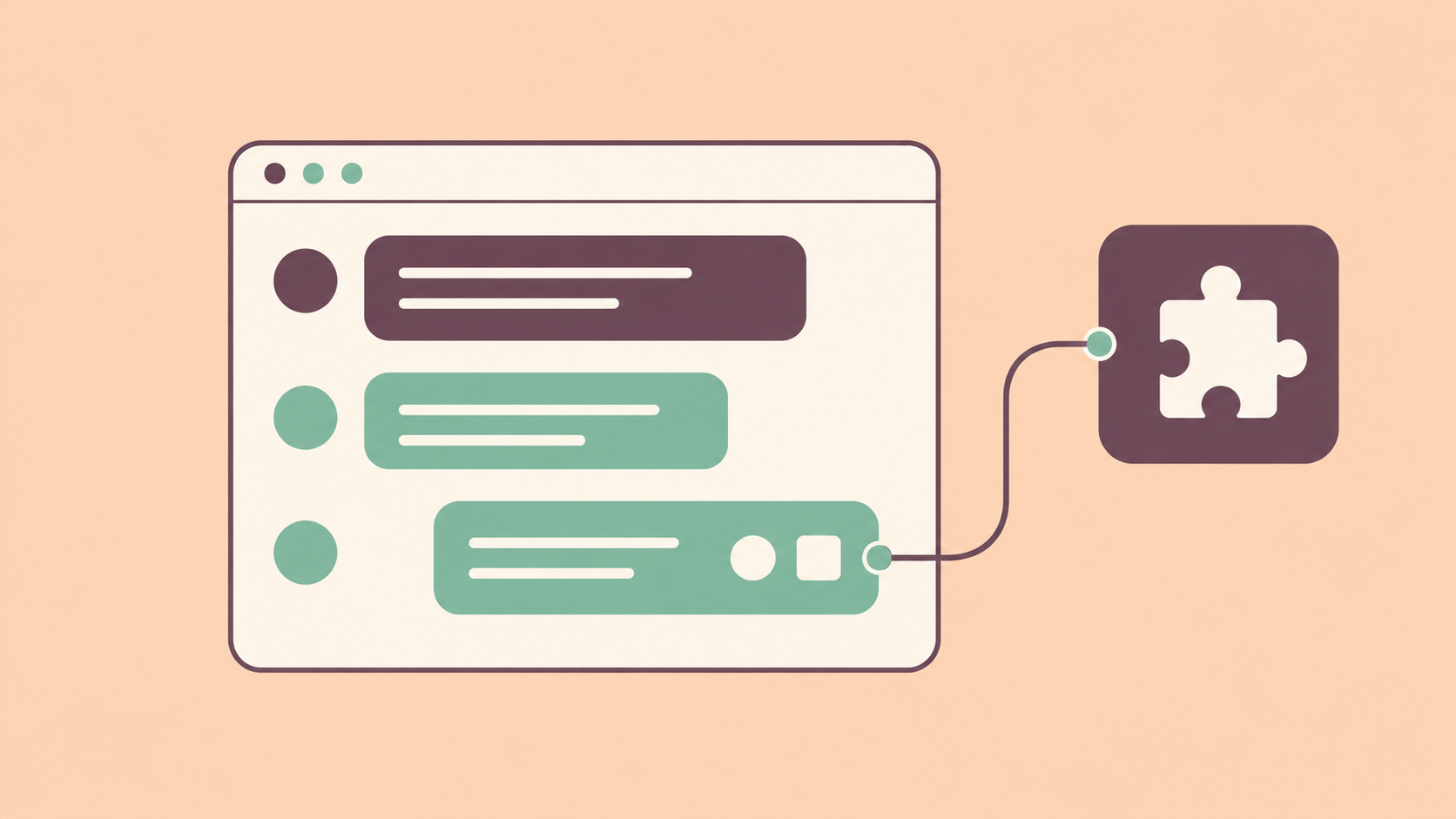
Once installed, an app appears in a channel’s member list with an App badge. People can address it using an @mention.
Replies can include interactive cards and buttons. Clicking a button can trigger a private response, post a new message for the channel or update the app’s existing message. That gives a small integration room to do more than drop a block of text into a conversation.
This works differently from the model requesting a function through tool calling in Ollama. Here, a person can address the connected service directly in the channel.
A separate service with its own permissions
According to the Apps documentation, Open WebUI initiates the connection to the app. The WebUI server can stay on a private network without a public callback address.
Administrators install an app using its URL and API key, then review its requested permissions. An app can receive just messages mentioning it, or be allowed to read messages and history throughout channels it has joined.
Those permissions deserve attention before adding an integration to an existing conversation. We previously covered Open WebUI’s tool approval controls. Channel Apps introduce a separate set of permissions for connected services.
Local app servers are supported, but private addresses and plain HTTP require an explicit server configuration. The feature does not automatically keep every connected service local.
Python developers get a starting point
Open WebUI provides the oix Python SDK for building these integrations. Its developer guide requires Python 3.11 or later and includes a minimal app that responds to a channel message. Developers using another language can implement the documented protocol themselves.
For administrators trying it, both Apps and Channels must be enabled under the General settings before the Apps tab appears. A channel’s creator or an administrator can then add an installed app.
Version 0.12.2 followed on the same day with further fixes. The announcement also notes database changes, so existing installations should be backed up before upgrading.